Repurposing Content 10x Faster: A Practical Workflow Using AI Tools
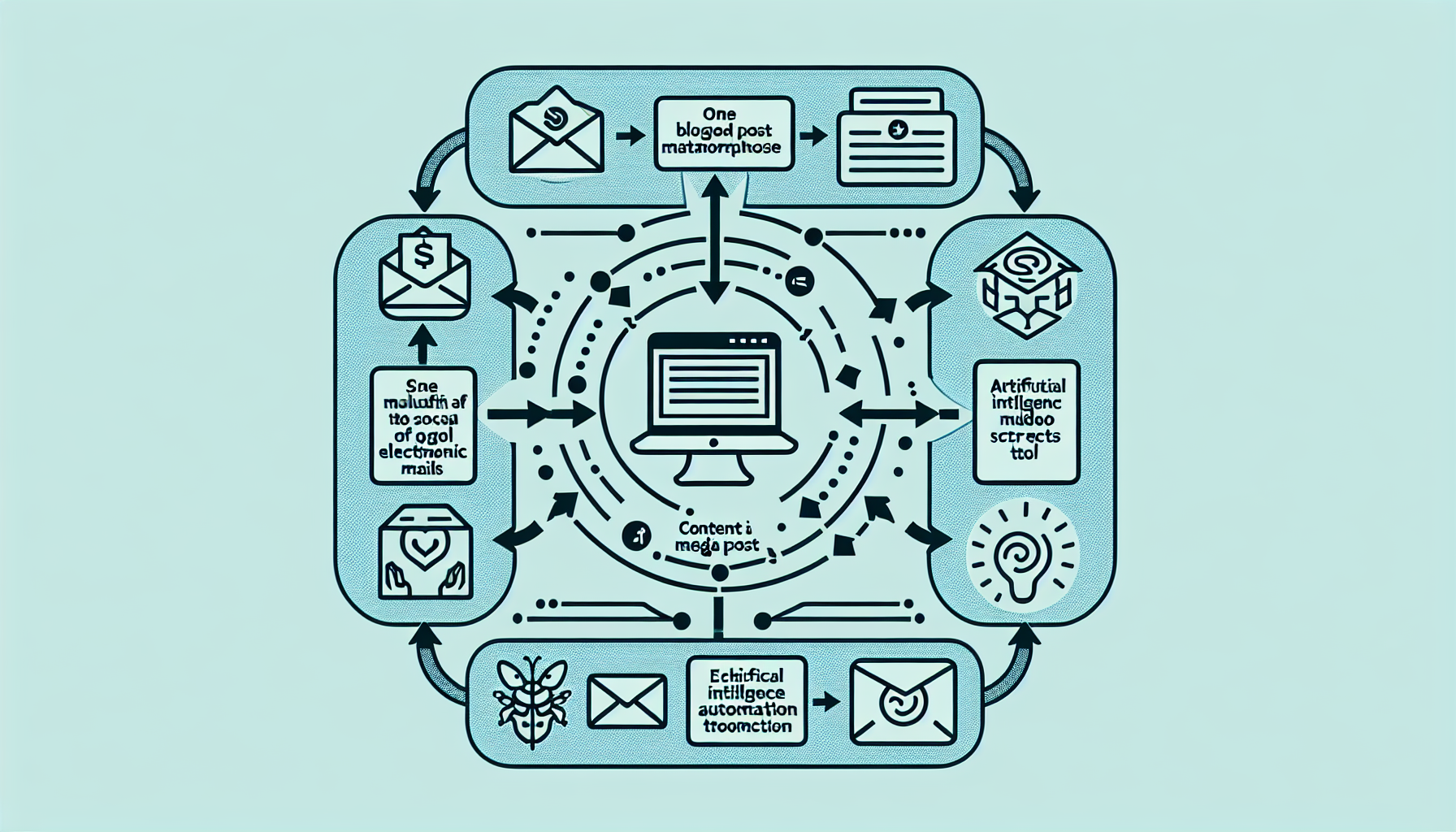
The most successful content creators don't just create more content—they repurpose smarter. One well-researched blog post can become 15+ pieces of content across every platform, but only if you have the right workflow.
Most entrepreneurs waste hours manually adapting content for different platforms. They'll spend 6 hours writing a blog post, then another 4 hours turning it into social media posts, email newsletters, and video scripts.
This guide reveals the exact AI-powered workflow that cuts content repurposing time by 90% while maintaining quality and maximizing reach across all platforms.
Time Investment: 2 hours to set up this workflow, then 30 minutes to repurpose any piece of content into 15+ assets.
The Complete Content Repurposing Workflow
This workflow transforms one piece of source content into multiple formats optimized for different platforms and audiences. Here's what you'll create from a single blog post:
Output Assets (15+ pieces):
Social Media:
- • 5 Twitter/X posts
- • 3 LinkedIn posts
- • 2 Instagram captions
- • 1 Facebook post
Long-Form Content:
- • Email newsletter
- • YouTube video script
- • Podcast episode outline
- • Medium article
Phase 1: Content Audit and Strategy (20 minutes)
Before repurposing, you need to identify your best-performing content and understand what makes it work. This audit ensures you're repurposing the right content for maximum impact.
Step 1: Identify High-Value Source Content
Use these criteria to select content worth repurposing:
Content Selection Checklist:
- ✓ High engagement: Comments, shares, or saves above your average
- ✓ Evergreen topic: Relevant for 6+ months
- ✓ Comprehensive: 1,000+ words with multiple key points
- ✓ Clear takeaways: Actionable insights readers can implement
- ✓ Data-backed: Statistics, case studies, or examples
Step 2: Platform-Specific Strategy Planning
Different platforms require different approaches. Use this AI prompt to create platform-specific strategies:
Strategy Planning Prompt:
"Analyze this content: [PASTE CONTENT]

Create a repurposing strategy for these platforms:
- Twitter/X (thread format)
- LinkedIn (professional insights)
- Instagram (visual storytelling)
- YouTube (video script)
- Email newsletter (value-first approach)

For each platform, identify:
1. The main hook/angle
2. Key points to emphasize
3. Optimal content length
4. Call-to-action strategy"
Phase 2: AI Tool Selection and Setup (30 minutes)
The right AI tools make the difference between a 6-hour manual process and a 30-minute automated workflow. Here's your essential toolkit:
Content Generation
Primary: Jasper AI for high-quality, brand-consistent content
Alternative: Claude 3.5 Sonnet for complex repurposing tasks
Essential AI Prompts Library
Save these proven prompts for consistent, high-quality repurposing:
Twitter Thread Prompt:
"Convert this blog post into a Twitter thread with 7-10 tweets:

Source content: [PASTE CONTENT]

Requirements:
- Hook tweet that stops the scroll
- Each tweet max 280 characters
- Include specific examples and data
- End with a strong CTA
- Add relevant hashtags (#AI #ContentCreation #Productivity)

Format as Tweet 1/X, Tweet 2/X, etc."
LinkedIn Post Prompt:
"Transform this content into a LinkedIn post for business professionals:

Source content: [PASTE CONTENT]

Requirements:
- Professional tone with personal insights
- 1,300 characters or less
- Include a personal story or lesson learned
- Use bullet points or numbered lists
- End with a question to drive engagement
- Professional hashtags only"
Email Newsletter Prompt:
"Create an email newsletter from this blog post:

Source content: [PASTE CONTENT]

Structure:
- Subject line (5 variations)
- Personal opening (connect to reader's pain point)
- 3 key takeaways with explanations
- One actionable tip they can implement today
- Clear CTA to read full article
- P.S. with additional value

Tone: Conversational, value-first, helpful"
Phase 3: Automation Setup (40 minutes)
This is where the magic happens. We'll create an automated workflow that takes your source content and generates all repurposed assets with minimal manual intervention.
Step 1: Make.com Workflow Setup
Create this automated sequence in Make.com:
Automation Flow:
- 1. Trigger: Google Sheets (paste source content URL)
- 2. HTTP Module: Extract content from URL
- 3. OpenAI Module: Generate Twitter thread
- 4. OpenAI Module: Generate LinkedIn post
- 5. OpenAI Module: Generate Instagram caption
- 6. OpenAI Module: Generate email newsletter
- 7. OpenAI Module: Generate YouTube script
- 8. Google Sheets: Save all outputs
Pro Tip: Set up parallel processing in Make.com so all AI generations happen simultaneously, reducing total processing time from 15 minutes to 3 minutes.
Step 2: Quality Control Checkpoints
Automation doesn't mean no human oversight. Build these quality control steps into your workflow:
Quality Control Checklist:
- ✓ Brand voice consistency: Does it sound like your brand?
- ✓ Accuracy check: Are facts and figures correct?
- ✓ Platform optimization: Right length and format for each platform?
- ✓ CTA relevance: Does the call-to-action make sense?
- ✓ Hashtag appropriateness: Relevant and not overused?
Phase 4: Distribution Strategy (30 minutes)
Creating the content is only half the battle. Strategic distribution ensures maximum reach and engagement across all platforms.
Optimal Timing and Sequencing
Don't publish everything at once. Use this proven sequence for maximum impact:
7-Day Distribution Schedule:
- Day 1: Publish original blog post
- Day 2: Email newsletter to subscribers
- Day 3: LinkedIn post (professional audience)
- Day 4: Twitter thread (broader reach)
- Day 5: Instagram post (visual storytelling)
- Day 6: YouTube video/podcast episode
- Day 7: Facebook post (community engagement)
Cross-Platform Promotion
Each piece of repurposed content should drive traffic back to your original content and other platforms. Use these internal linking strategies:
Social Media CTAs:
- • "Link in bio for full article"
- • "Thread in comments"
- • "DM for the template"
- • "Follow for more tips"
Email CTAs:
- • "Read the full guide here"
- • "Share this with your team"
- • "Try this technique today"
- • "Join the discussion on LinkedIn"
Time-Saving Templates and Shortcuts
These templates will cut your repurposing time in half while maintaining consistency across all your content:
Universal Content Brief Template
**Content Brief for Repurposing**

Source Content: [URL/Title]
Target Platforms: [List platforms]
Primary Goal: [Awareness/Engagement/Conversion]
Key Message: [One sentence summary]
Target Audience: [Specific persona]
Call-to-Action: [Primary CTA]

**Key Points to Emphasize:**
1. [Main takeaway #1]
2. [Main takeaway #2]
3. [Main takeaway #3]

**Data/Statistics to Include:**
- [Stat #1]
- [Stat #2]

**Brand Voice Guidelines:**
- Tone: [Professional/Casual/Authoritative]
- Avoid: [Words/phrases to avoid]
- Include: [Brand-specific terms]
Platform-Specific Templates
Save these templates in your AI tool for consistent formatting:
Instagram Caption Template:
**Hook:** [Question or bold statement]

**Story:** [Brief personal anecdote]

**Value:** [3 key takeaways]

**CTA:** [What should they do next?]

**Hashtags:** [5-10 relevant hashtags]

#contentcreation #digitalmarketing #entrepreneurship #productivity #AI
YouTube Script Template:
**Hook (0-15 seconds):** [Attention-grabbing opening]

**Promise (15-30 seconds):** [What they'll learn]

**Content Delivery (30 seconds - 8 minutes):**
- Point 1: [Explanation + example]
- Point 2: [Explanation + example]
- Point 3: [Explanation + example]

**Call-to-Action (8-10 minutes):**
- Subscribe for more content
- Link to full article in description
- Next video recommendation

**End Screen (10-12 minutes):** [Subscribe + related video]
Measuring Success and Optimization
Track these metrics to improve your repurposing workflow over time:
Efficiency Metrics:
- • Time to repurpose one piece of content
- • Number of assets created per hour
- • Manual edits required per platform
- • Quality control pass rate
Performance Metrics:
- • Engagement rate by platform
- • Click-through rates to original content
- • Social shares and saves
- • Email open and click rates
Common Pitfalls and How to Avoid Them
Learn from these common mistakes to ensure your repurposing workflow runs smoothly:
Pitfall #1: One-Size-Fits-All Approach
Problem: Using the same content angle for all platforms
Solution: Customize the hook, format, and CTA for each platform's unique audience and culture
Pitfall #2: Over-Automation
Problem: Publishing AI-generated content without human review
Solution: Always include quality control checkpoints and manual review before publishing
Pitfall #3: Ignoring Platform Best Practices
Problem: Not optimizing for each platform's algorithm and user behavior
Solution: Stay updated on platform-specific trends and adjust your templates accordingly
Ready to 10x Your Content Output?
This workflow will transform how you approach content creation. Instead of spending hours manually adapting content, you'll have a systematic approach that scales with your business.
Start with one piece of your best-performing content and run it through this entire workflow. Track your time and results, then refine the process based on what you learn.
Your Next Steps:
- 1. Audit your content: Identify 3-5 pieces worth repurposing
- 2. Set up your AI tools: Get accounts with [AFFILIATE_LINK_JASPER] AI and Make.com
- 3. Create your templates: Customize the prompts for your brand voice
- 4. Build your automation: Set up the Make.com workflow
- 5. Test and refine: Run one piece through the complete workflow
The most successful content creators understand that creation is just the beginning. Distribution and repurposing are where the real leverage lies. With this workflow, you'll never run out of content again.
Remember: The goal isn't to create more content—it's to create more impact with the content you already have. This workflow gives you that leverage while freeing up time to focus on strategy, relationship building, and growing your business.